

Set the policy
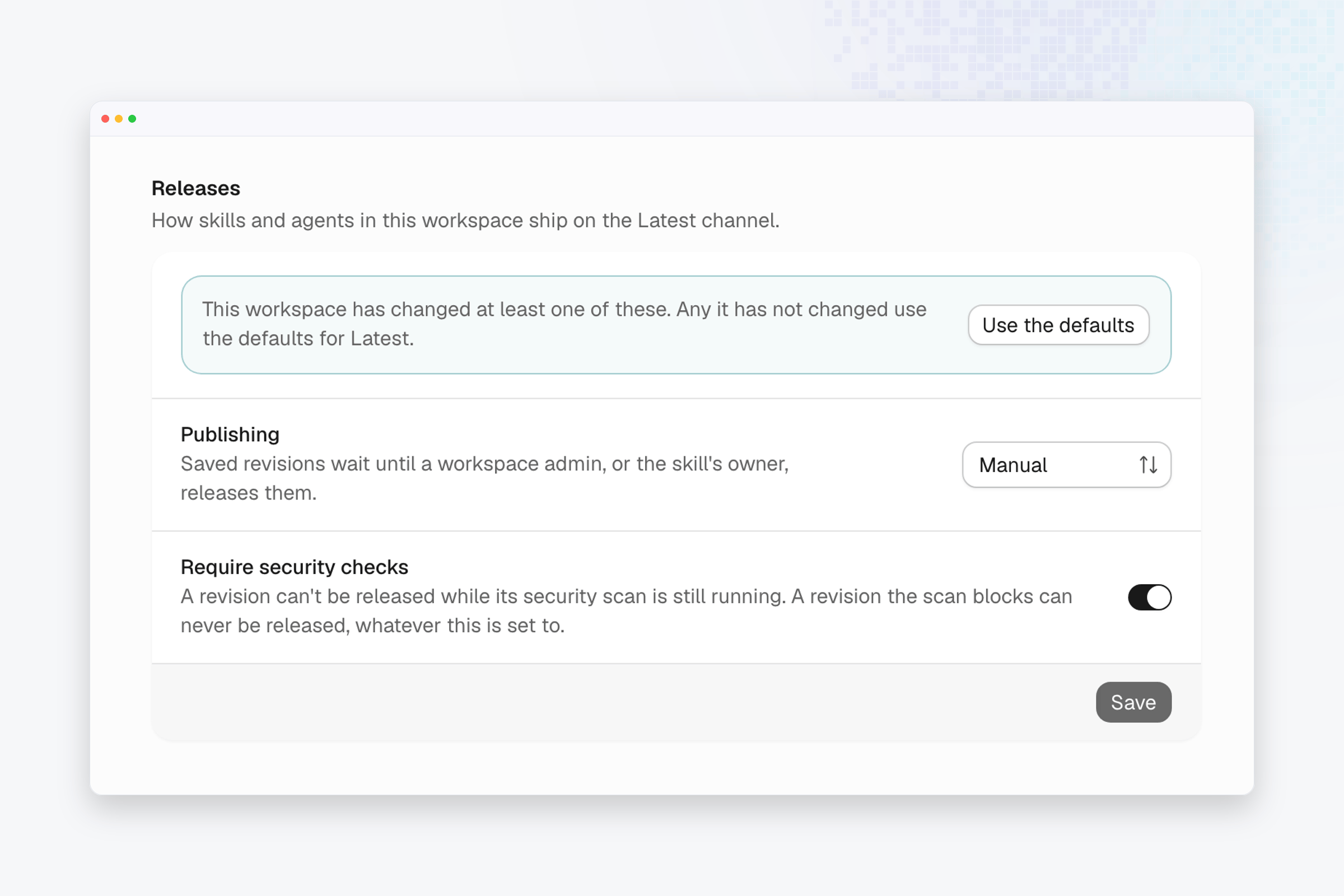
- Open Settings from the account menu, then choose the workspace under Workspaces. That list appears for organization admins, and you must be a member of the workspace to see its settings.
- Scroll to the Releases section.
- Set Publishing to Automatic to ship each saved revision once its security checks pass, or to Manual to hold saved revisions until a workspace admin, or the skill’s owner, releases them.
- Leave Require security checks on, so a revision can’t be released while its security scan is still running. A revision the scan blocks can’t be released, whatever this is set to.
- Choose Save. The app confirms “Release policy saved”.
Go back to the defaults
- Choose Use the defaults to drop this workspace’s changes. The app confirms “This workspace now uses the defaults”.