

Use Member as the default. It allows people to invite teammates and
create workspaces without granting control over organization-wide access,
billing, or security.
First admin
A new organization starts with one person. When Atlan creates the organization, it sends a single invitation, and whoever accepts it becomes the organization’s first Admin. That admin then invites everyone else and chooses each person’s role. To hand the role to someone else, the first admin promotes them in Settings, as described in Change member role.Organization and workspace access
Changing one does not change the other, except in the organization root: changing someone’s organization role also changes their role there. A person can be an organization Member and a workspace Admin at the same time.
Change member role
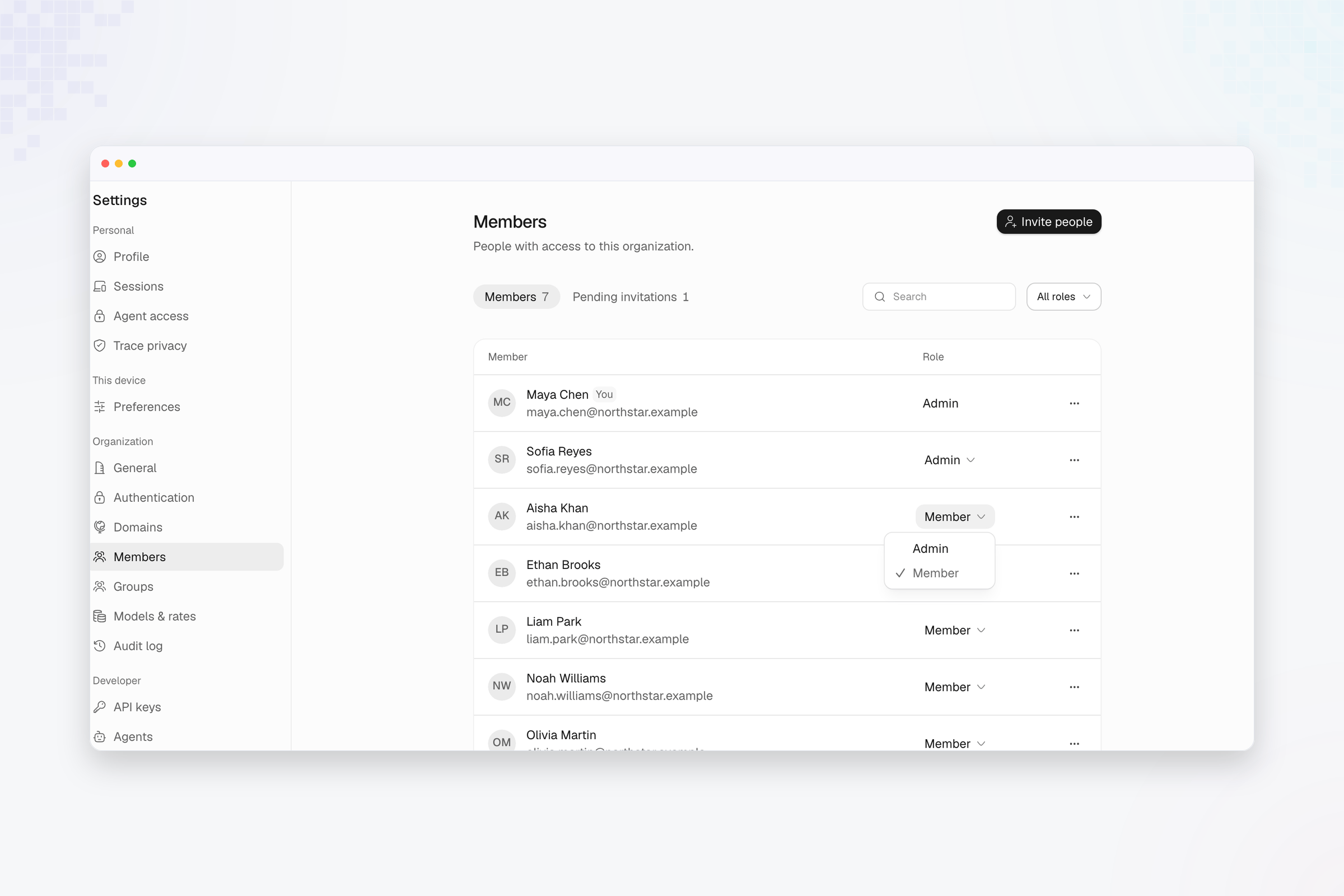
- Open Settings.
- Select Members under Organization.
- Find the person.
- Select the role control on their row.
- Choose Admin or Member. Promoting someone to Admin asks you to confirm with Make admin.
Workspace roles
Compare Admin, Builder, and Viewer access inside a workspace.