

Connect and test
- Open Authentication. Under Connect your identity provider, choose Okta, Microsoft Entra ID, Google Workspace, or Another SAML or OpenID Connect provider to open hosted setup.
- Select and configure the provider in that portal. The choices in Atlan open the same portal; the provider is selected there. Keep the Atlan window open so you can return to it.
- Open Settings → Domains and verify a company domain. See Manage domains.
- Return to Authentication. Confirm that the connection is active and the domain is verified.
- Select Test sign-in. In the browser window, sign in through the connected provider using the same company account as your Atlan admin account.
- Return to Atlan and confirm that the test passed.
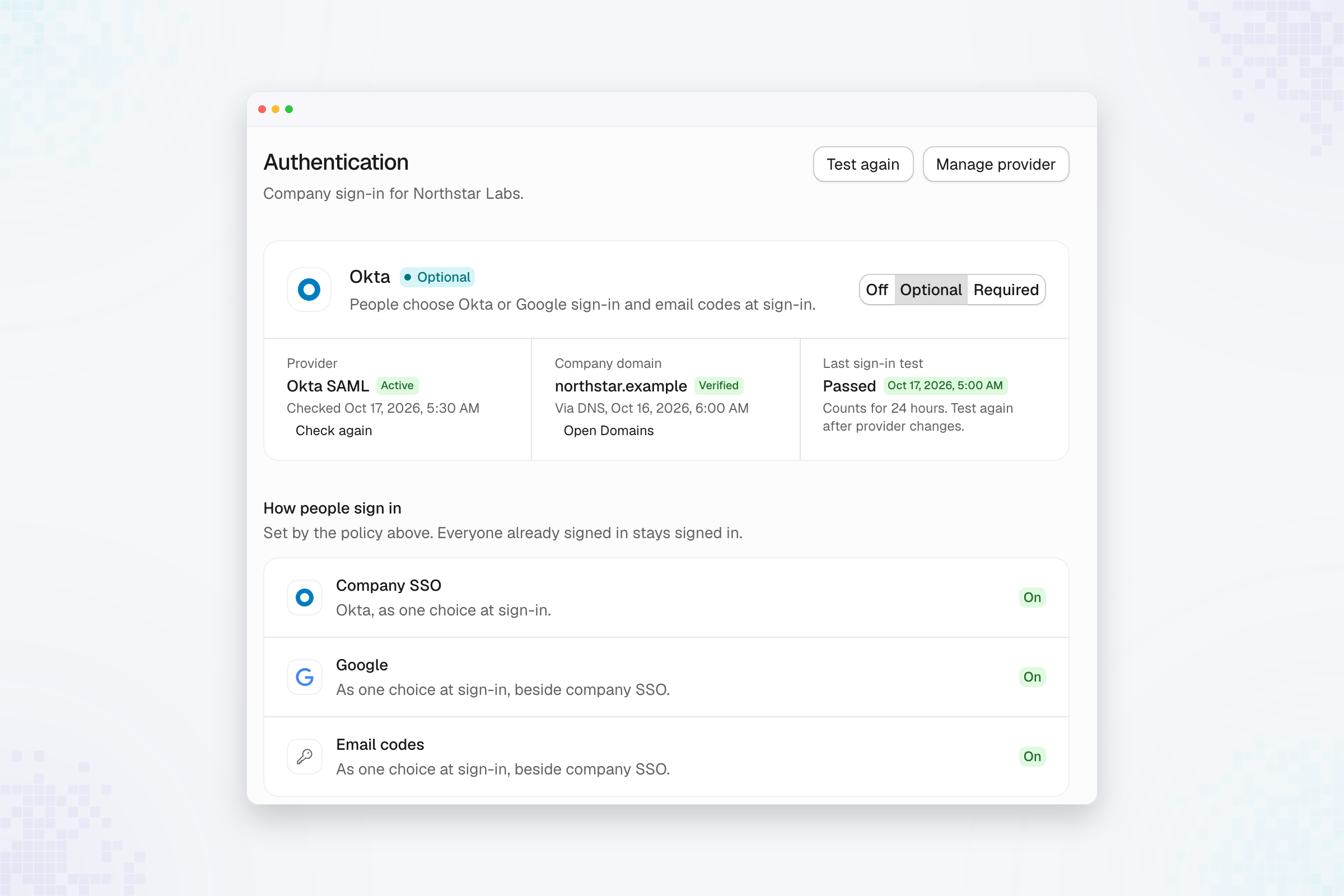
Choose sign-in policy
Select the policy and review the confirmation. Optional and Required need an
active connection, a verified domain, and a recent successful sign-in test. A
policy that cannot be selected includes the reason in the page.