

Send an invitation
- Open Settings.
- Select Members under Organization.
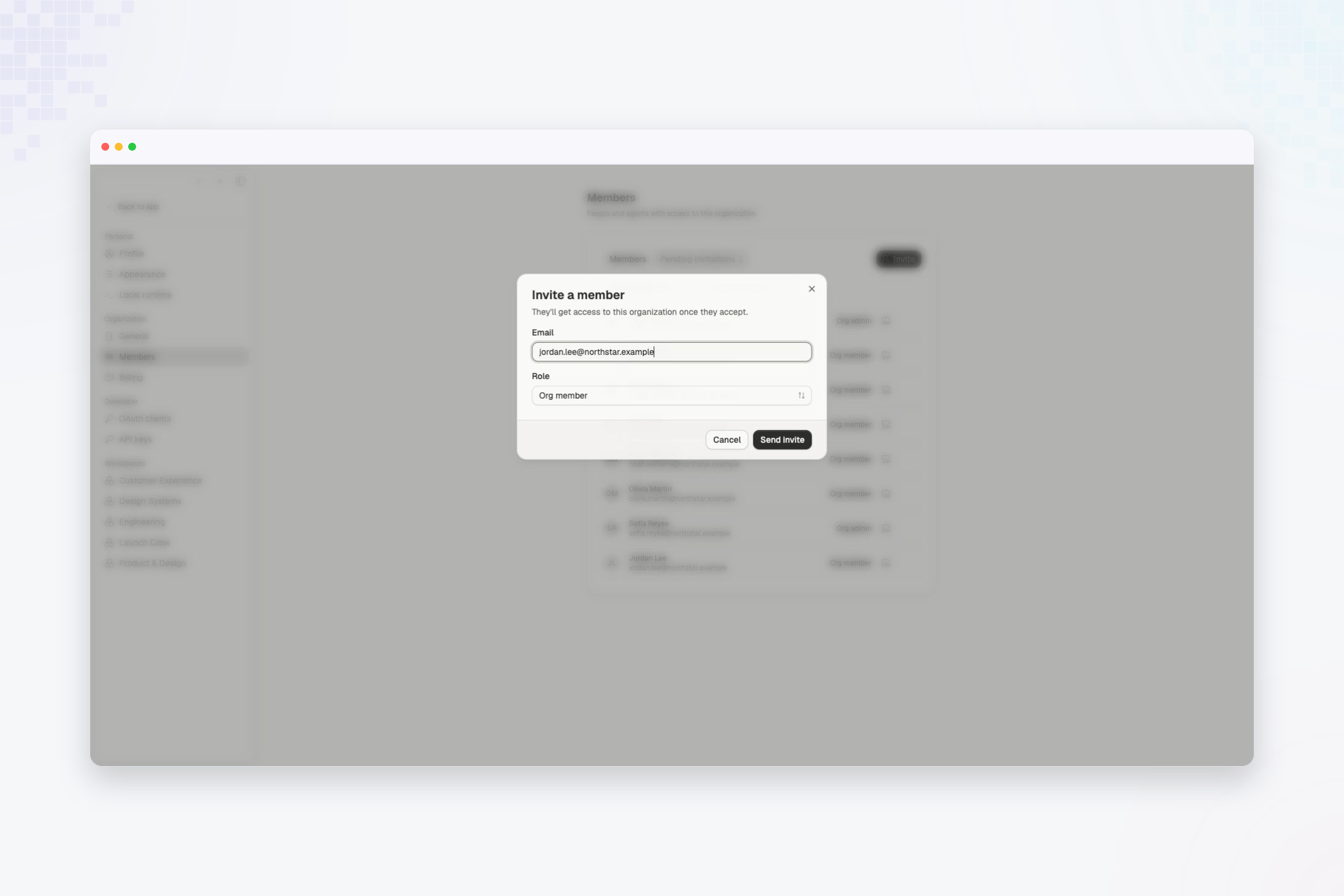
- Select Invite.
- Enter one or more email addresses.
- Choose the organization role for each person.
- Select Send invite.
Manage pending invitations
Open Pending invitations to see invitations that have not been accepted.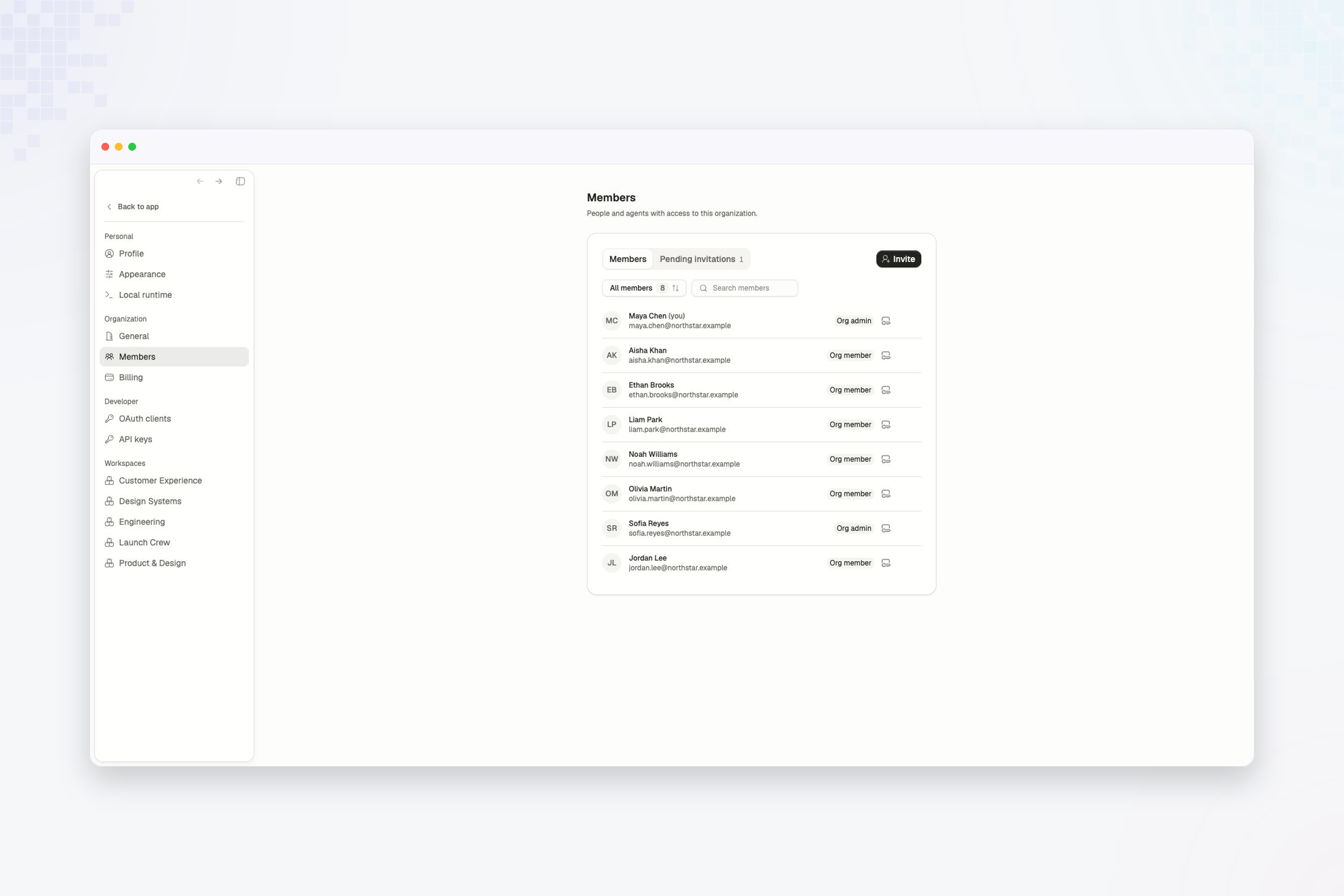
- Resend invite when the recipient needs a new email.
- Revoke invite when the person should no longer be able to join.
A person with a pending organization invitation can be added to a workspace.
Their workspace access begins after they accept the organization invitation.
Organization roles
Compare the access granted by Org admin and Org member.