

Core offerings
Bring agent into Atlan
Register an agent from its repository with its skills and context, and send its first trace.
Pin agent skills
Lock each skill to an exact, reviewed version.
Manage agent credentials
Rotate or revoke the agent’s own key.
Trace agent runs
See sessions, tool calls, models, and cost.
Evaluate agent quality
Score runs against datasets and compare versions.
Save agent outputs
Keep every document and file it makes in the Library.
Choose where to start
- Registering without Atlan Trident Desktop? Create agent in Atlan Trident.
- Registering from code or CI? Register agents through API.
- Changing an agent’s instructions or model? Edit agent.
- Tracing an agent built on a framework? Agent frameworks.
- Giving Claude Code or Codex Atlan’s tools? Connect coding agents.
- Following execution, quality, and cost together? Monitor agents.
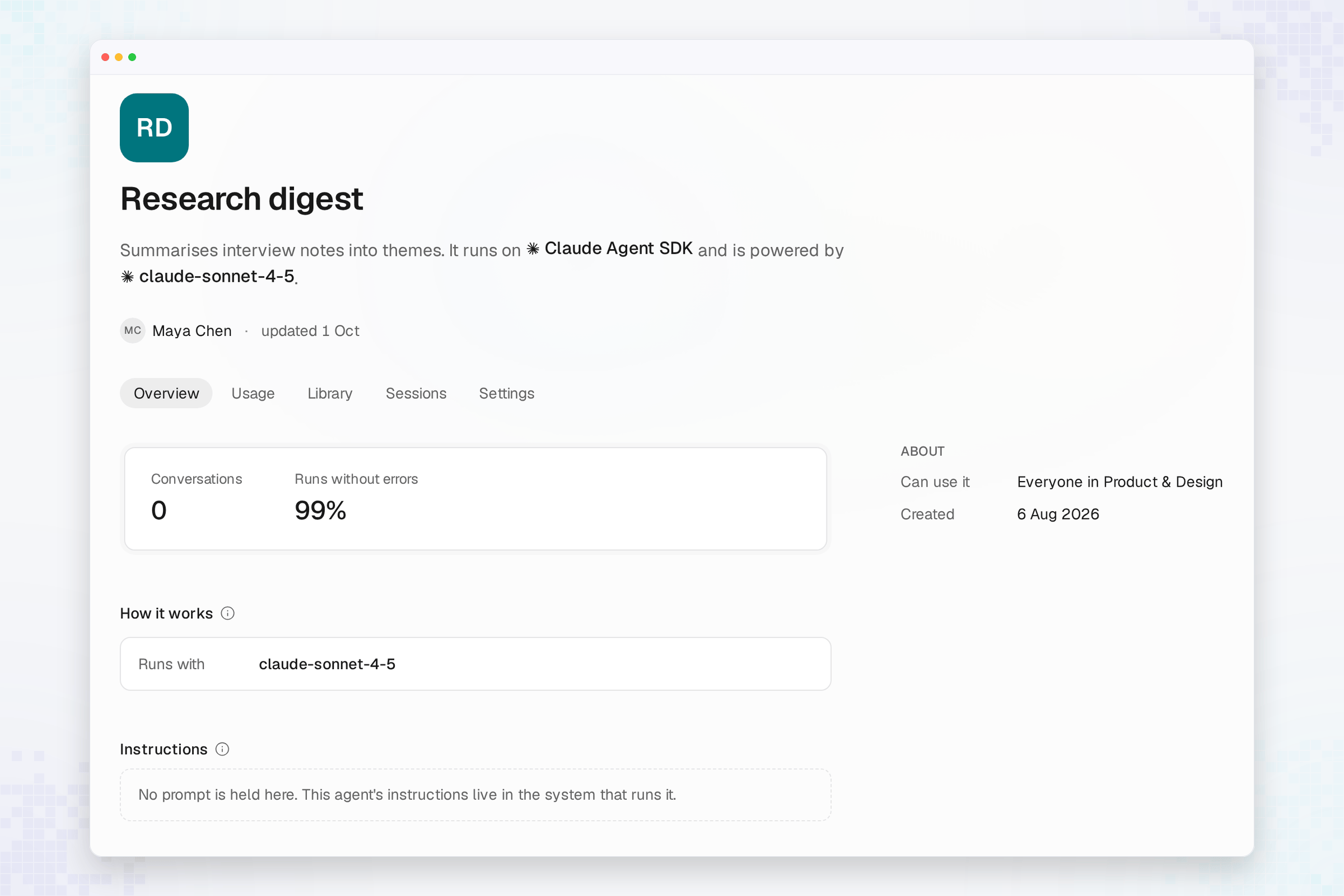
- Looking for a profile tab? Agent profile.
- Retiring an agent? Archive agent.
- Registration, edit, or output failed? Agent errors. For trace problems, see Trace errors.
Atlan Trident doesn’t deploy your code: changing an agent’s record doesn’t change how your application runs until you update its configuration. An agent’s machine name and workspace are fixed at registration. A version can pin up to 64 skills, and a skill’s new release doesn’t move a pin until you change the manifest. Archiving revokes the agent’s key, and the app has no restore; its history stays readable.
See also
- Public API: The
agent.*operations under/agent/v1/agents, including versions and identity. - MCP reference: Agent tools for coding agents.
- atlanai SDK: Send traces from your agent.
- Atlan commands and skills for coding agents:
/atlan-new-agent,/atlan-link-agent, and/atlan-record-output.