

Bulk upload skills in Atlan Desktop
Use this flow to move many local skill folders into one workspace from the Atlan Desktop app. The app finds folders that containSKILL.md, bundles each
selected folder, and reports the result for every skill.
Before you start
- Use the Atlan Desktop app. This action is not available in the web app.
- Choose the workspace that should own the new skills.
- Keep only the files the skill needs in each folder. Do not upload secrets, customer data, or private source material.
Choose and review folders
- Open the target workspace.
- Select New, then Import skills.
- Select one or more folders from your device.
- Review the discovered folders. Every folder containing
SKILL.mdwithin your selection appears in the list and is selected by default. - Clear any skill you do not want to upload, then select Import.
Read the result
The desktop app uploads selected skills in sequential groups and shows progress while each group settles. After the run, every selected skill has one result:
You can stop a long upload, but the batch already in progress can still finish.
Review the final result list before starting another import.
Verify after review
New uploads remain pending review and are not shown in the normal active-skill list until the review completes. Once the skill is available, open its profile and confirm the version, source files, and workspace before sharing it with a team or using it from a coding environment.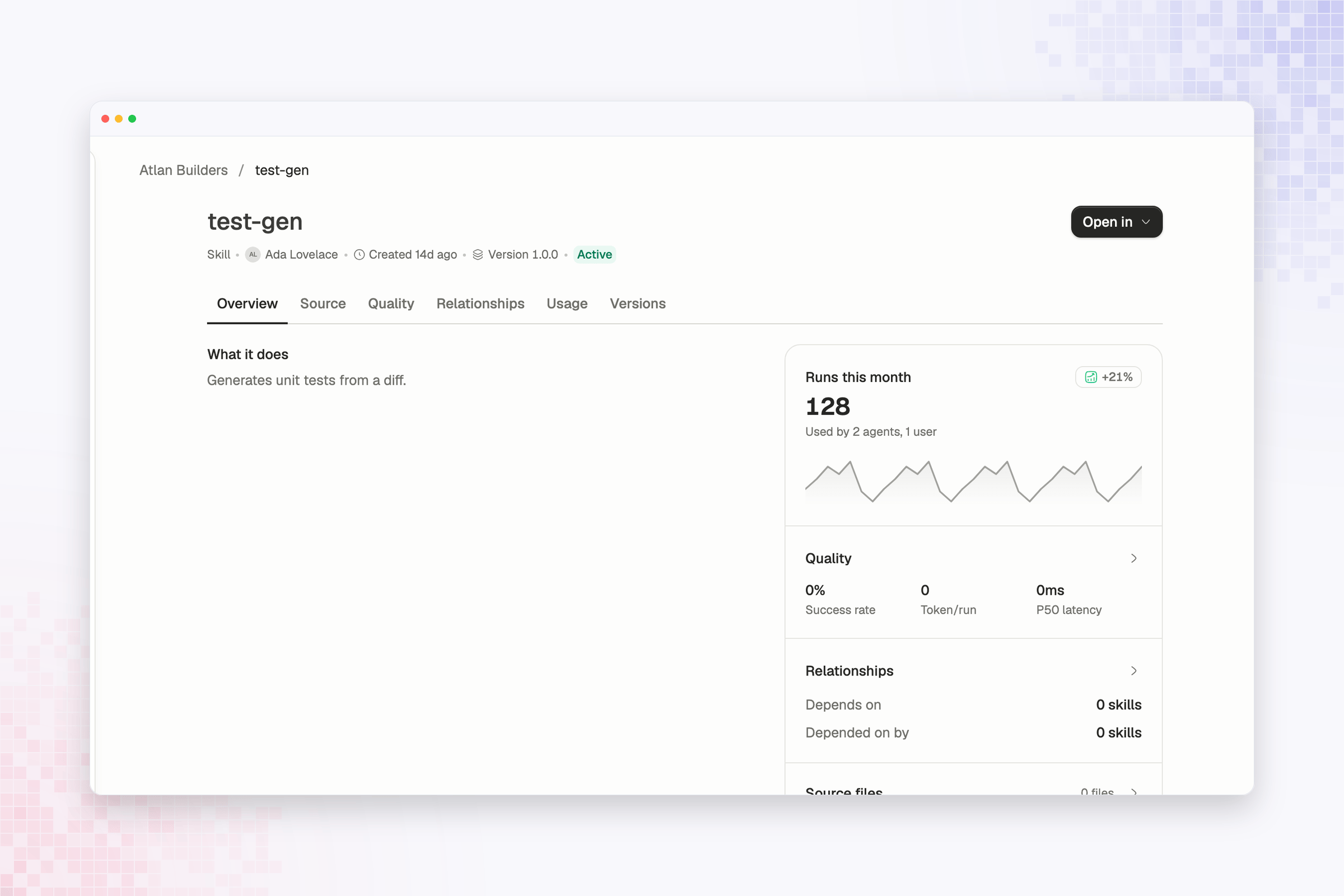
Publish skills
Compare bulk upload with CLI, GitHub CI, and MCP-assisted publishing.