> ## Documentation Index
> Fetch the complete documentation index at: https://platform.atlan.com/llms.txt
> Use this file to discover all available pages before exploring further.
# Bulk upload skills in Atlan Desktop
> Find local skill folders, review the batch, and upload it to one workspace.
# Bulk upload skills in Atlan Desktop
Use this flow to move many local skill folders into one workspace from the
Atlan Desktop app. The app finds folders that contain `SKILL.md`, bundles each
selected folder, and reports the result for every skill.
## Before you start
* Use the Atlan Desktop app. This action is not available in the web app.
* Choose the workspace that should own the new skills.
* Keep only the files the skill needs in each folder. Do not upload secrets,
customer data, or private source material.
## Choose and review folders
1. Open the target workspace.
2. Select **New**, then **Import skills**.
3. Select one or more folders from your device.
4. Review the discovered folders. Every folder containing `SKILL.md` within
your selection appears in the list and is selected by default.
5. Clear any skill you do not want to upload, then select **Import**.
If the app says it could not scan a picked folder fully, choose a narrower
folder before importing. A partial scan can miss skills.
## Read the result
The desktop app uploads selected skills in sequential groups and shows progress
while each group settles. After the run, every selected skill has one result:
| Result | Meaning | What to do next |
| -------------------- | ---------------------------------------------------------- | --------------------------------------------------------------------------------- |
| **Uploaded** | Atlan created the skill. It is pending review. | Wait for review to complete, then verify the active version in the skill profile. |
| **Already imported** | Atlan already has this content in the workspace. | Inspect the existing skill instead of uploading the same bundle again. |
| **Failed** | Atlan rejected the skill or could not complete the upload. | Read the item-specific reason, fix the folder, then retry only the failed skills. |
You can stop a long upload, but the batch already in progress can still finish.
Review the final result list before starting another import.
## Verify after review
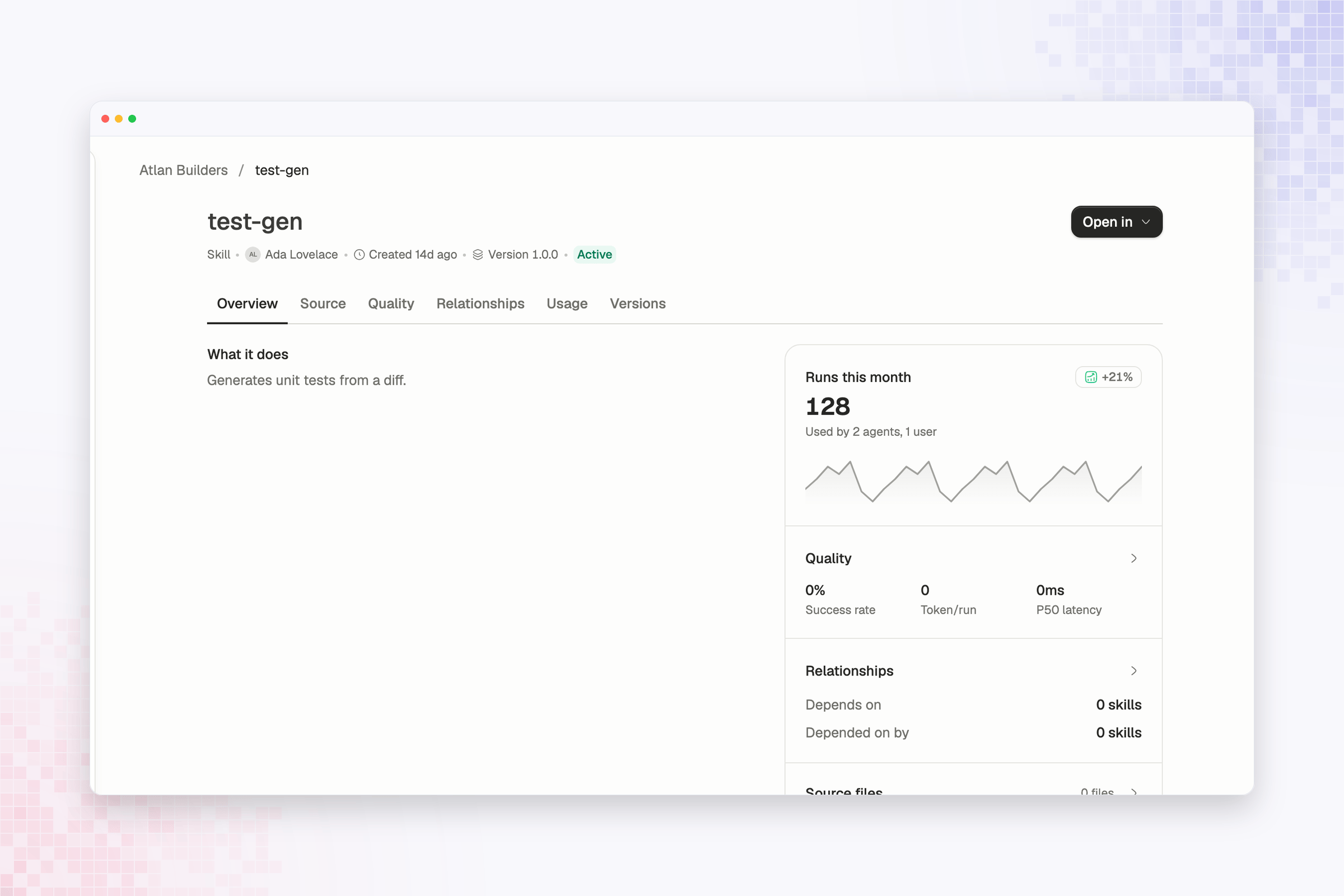
New uploads remain pending review and are not shown in the normal active-skill
list until the review completes. Once the skill is available, open its profile
and confirm the version, source files, and workspace before sharing it with a
team or using it from a coding environment.
 Compare bulk upload with CLI, GitHub CI, and MCP-assisted publishing.