> ## Documentation Index
> Fetch the complete documentation index at: https://platform.atlan.com/llms.txt
> Use this file to discover all available pages before exploring further.
# Invite members
> Invite a person to your organization and manage pending invitations.
Inviting someone creates a pending organization membership. They receive access
after accepting the invitation.
## Send an invitation
1. Open **Settings**.
2. Select **Members** under **Organization**.
3. Select **Invite**.
4. Enter one or more email addresses.
5. Choose the organization role for each person.
6. Select **Send invite**.
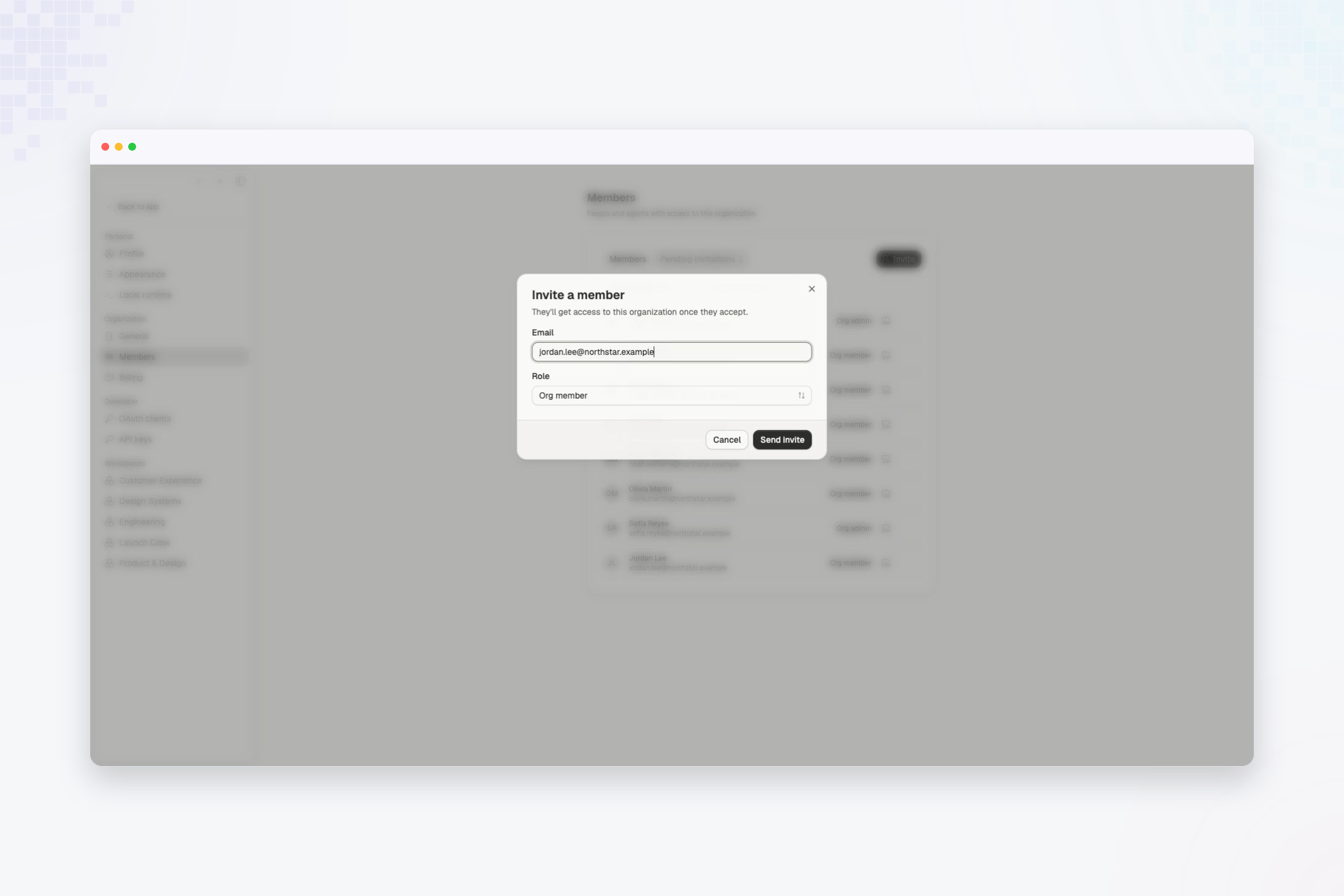 Choose **Org member** for most people. Assign **Org admin** only when the person
needs to manage organization-wide access or settings.
## Manage pending invitations
Open **Pending invitations** to see invitations that have not been accepted.
Choose **Org member** for most people. Assign **Org admin** only when the person
needs to manage organization-wide access or settings.
## Manage pending invitations
Open **Pending invitations** to see invitations that have not been accepted.
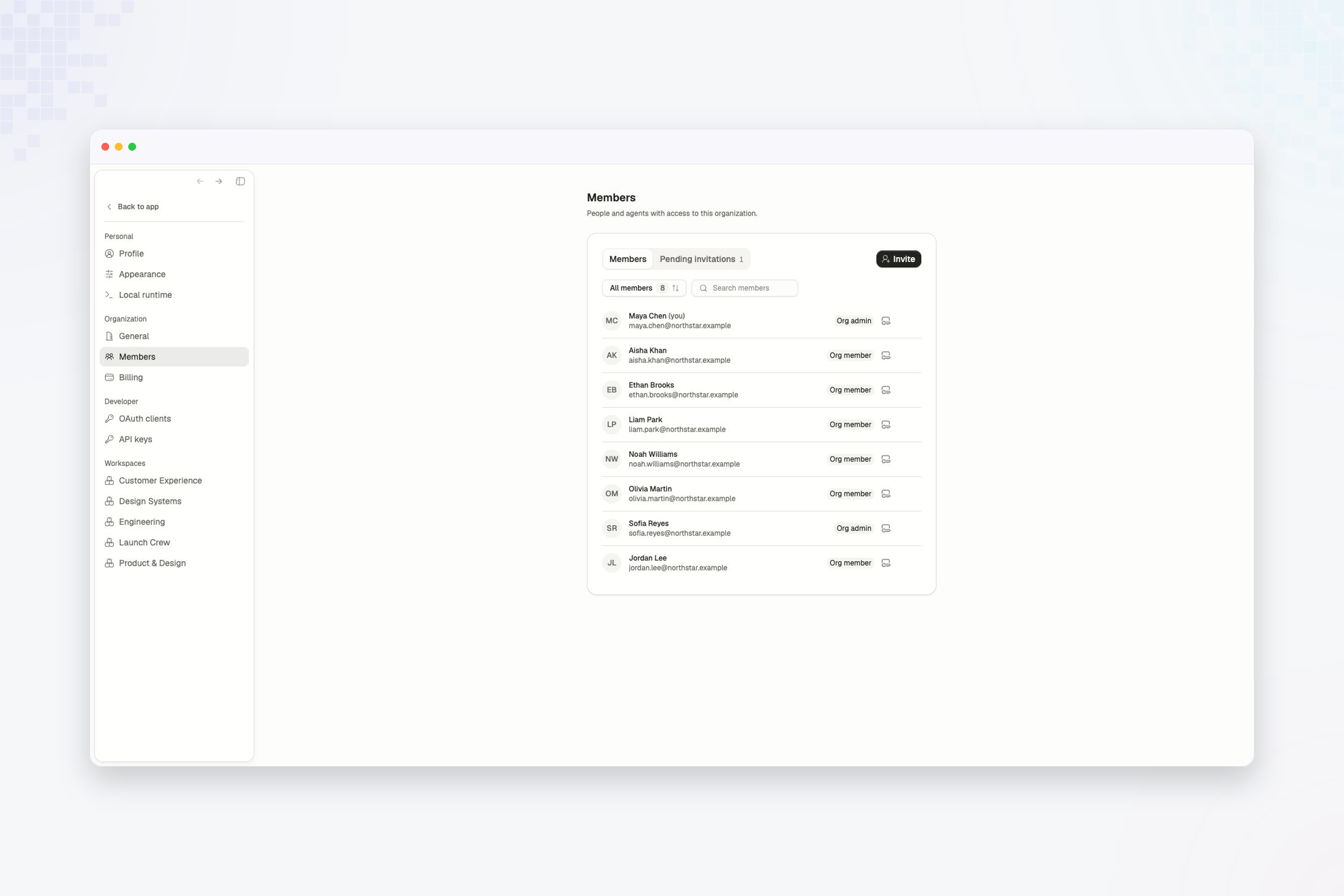 Open the invitation's action menu to:
* **Resend invite** when the recipient needs a new email.
* **Revoke invite** when the person should no longer be able to join.
Revoking an invitation does not affect active members. Use **Archive member**
when you need to end the access of someone who has already joined.
A person with a pending organization invitation can be added to a workspace.
Their workspace access begins after they accept the organization invitation.
Compare the access granted by Org admin and Org member.
Open the invitation's action menu to:
* **Resend invite** when the recipient needs a new email.
* **Revoke invite** when the person should no longer be able to join.
Revoking an invitation does not affect active members. Use **Archive member**
when you need to end the access of someone who has already joined.
A person with a pending organization invitation can be added to a workspace.
Their workspace access begins after they accept the organization invitation.
Compare the access granted by Org admin and Org member.